


Dell Pro (WD25) - US Docking Station
Dell Pro (WD25) - US Docking Station
Regular price
₱15,990.00 PHP
Regular price
₱17,000.00 PHP
Sale price
₱15,990.00 PHP
Shipping calculated at checkout.
Quantity
Dell Brand - Delivery lead time Luzon 3-5 working days, VIS/MIN 5-7 working days, Island Plus 2 days. Availability of stock is subject to change without prior notice.
Couldn't load pickup availability
Fuel your productivity
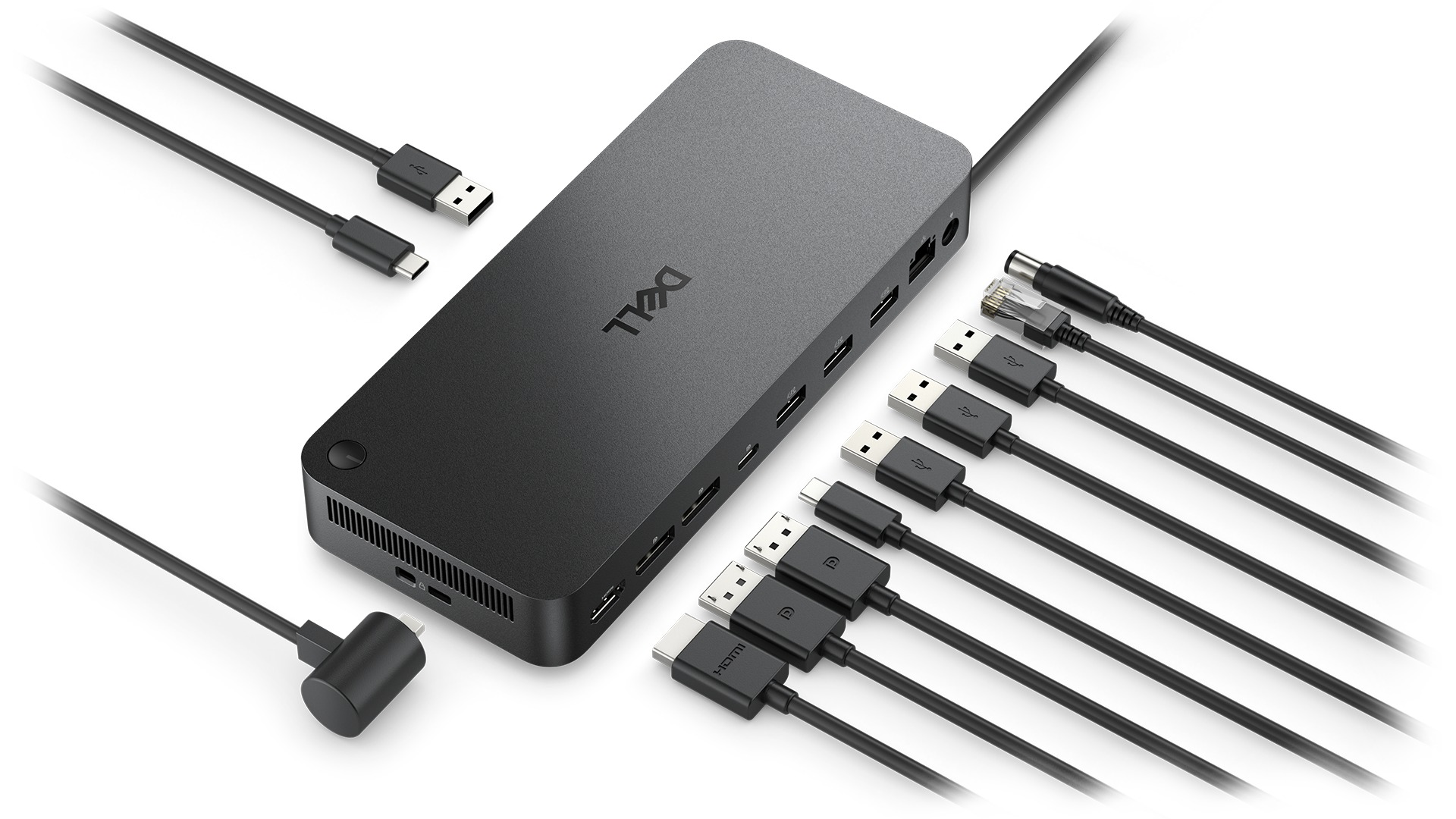
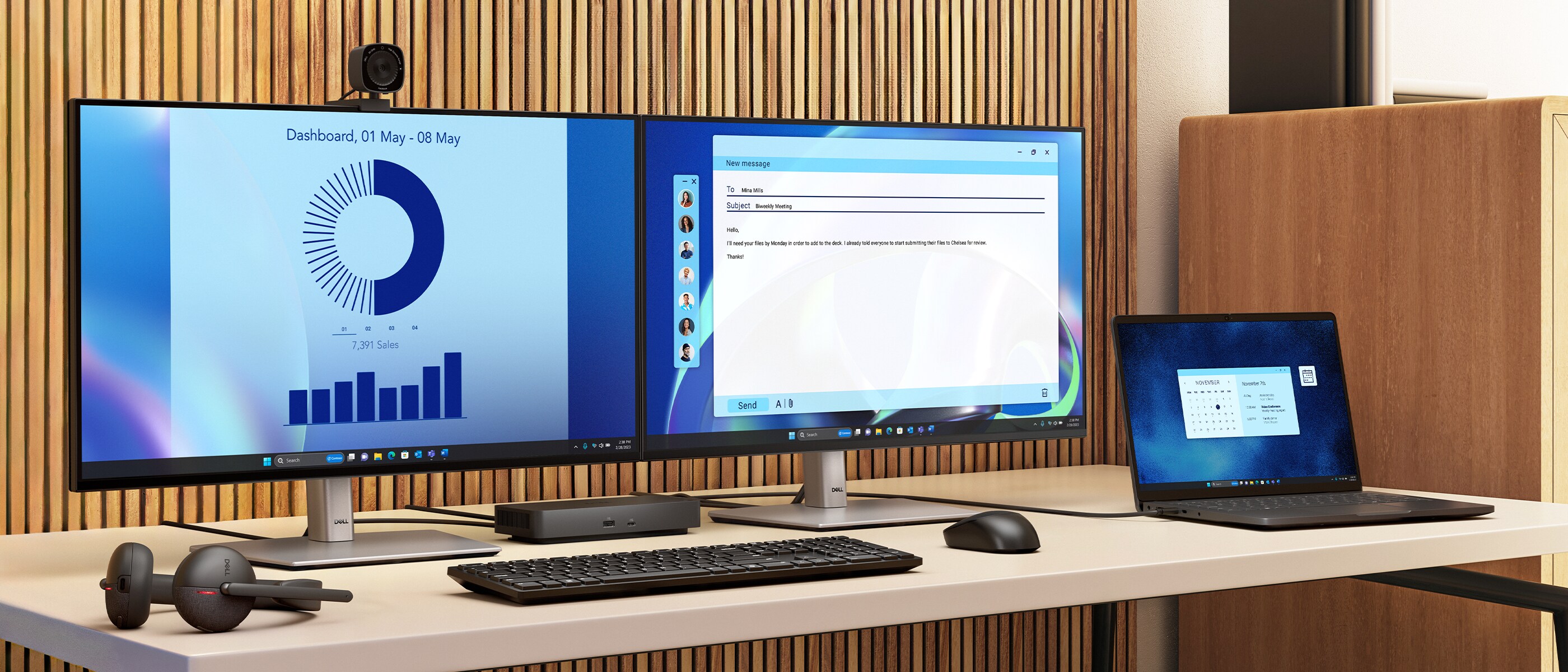
Gain the versatility to create your ideal workspace with a dock featuring 6 USB ports, support for 4 displays and driving up to 100W of power delivery to the latest Dell AI PCs for optimal productivity.
More manageable
Keep your dock up to date and work without interruption.
Work with confidence
Enhance your docking experience with universally compatible features including MAC Address Pass-Through and Power Button Sync[1], for a better docking experience across brands.
Enhance your docking experience with universally compatible features including MAC Address Pass-Through and Power Button Sync[1], for a better docking experience across brands.
Tech Specs
Technical Information
Connectivity Technology
WiredNumber of Displays Supported
4Management Features
Host PC Management
- MAC address pass-through
- PXE Boot
- Dock Power Button Sync
- Wake-On-LAN
- WLAN to LAN switch
- Kernel Direct Memory Access (DMA) protection
- Host PC based firmware update
- Firmware update on disconnect
- Port Disablement
Device Supported
NotebookVideo Resolution
DP1.4 with Display Stream Compression
- 4 x WQHD (3440 x 1440) @ 60Hz
- 3 x WQHD (3440 x 1440) @ 60Hz
- 2 x 5K (5120 x 2160) @ 60Hz
- 1 x 6K (6144 x 3456) @ 60Hz
DP1.4 without Display Stream Compression
Up to:
- 4 x HD (1280x720) @ 60Hz
- 3 x FHD (1920x1080) @ 60Hz
- 2 x QHD (2560x1440) @ 60Hz
- 1 x 4K (3840 x 2160) @ 60Hz
Network & Communication
Ethernet Technology
RJ45 Ethernet port, 2.5GbEInterfaces/Ports
Interfaces
Video interfaces
- 2 x DP1.4
- 1 x HDMI 2.1
- 1 x USB-C 3.2 Gen 2 Multi-function DisplayPort 1.4
- 4 x USB-A 3.2 Gen 2 (10 Gbps)
- 1 x USB-C 3.2 Gen 2 (10 Gbps)
USB Power Delivery
- 100W (Dell systems)
- 96W (non-Dell systems)
USB Ports (Power)
- 4 x USB-A 3.2 Gen 2 (4.5W each)
- 1 x USB-C 3.2 Gen 2 (15W)
- 1 x USB-C Multi-function DisplayPort (7.5W)
- All deliver power with or without PC
Software
Operating System Supported
- Windows 10
- Windows 11
- Ubuntu
- Red Hat Enterprise Linux
- ChromeOS
Power Description
Maximum Power Supply Wattage
130WPhysical Characteristics
Height
8.07"Width
3.54"Depth
1.39"Weight (Approximate)
1.21 lbMiscellaneous
Package Contents
- Docking Station
- Power Adapter and Power Cord
- Documentation (Quick Start Guide, Safety, Environmental, and Regulatory Information)
Kensington Security Slot
YesWarranty
Limited Warranty
1 Year

