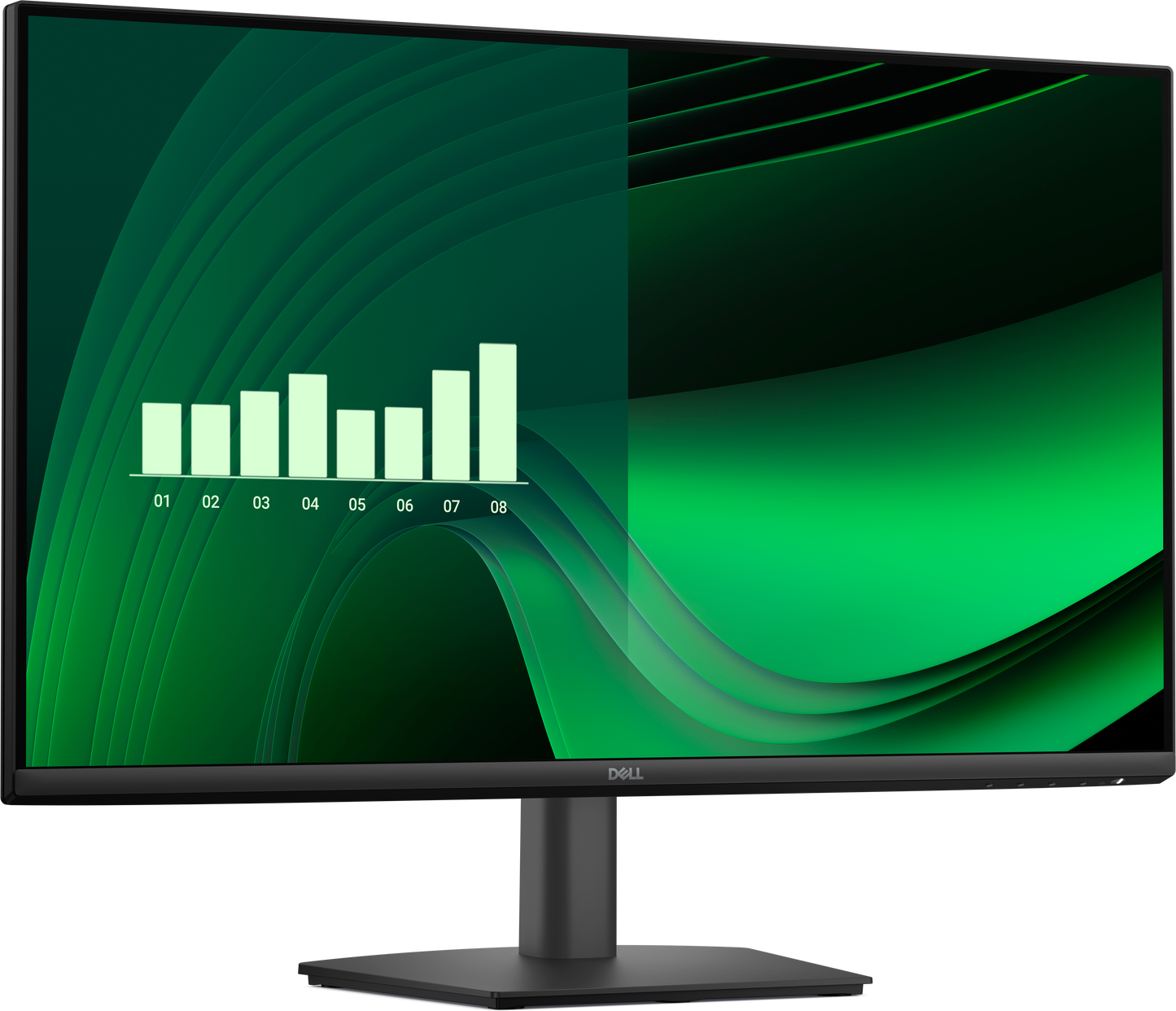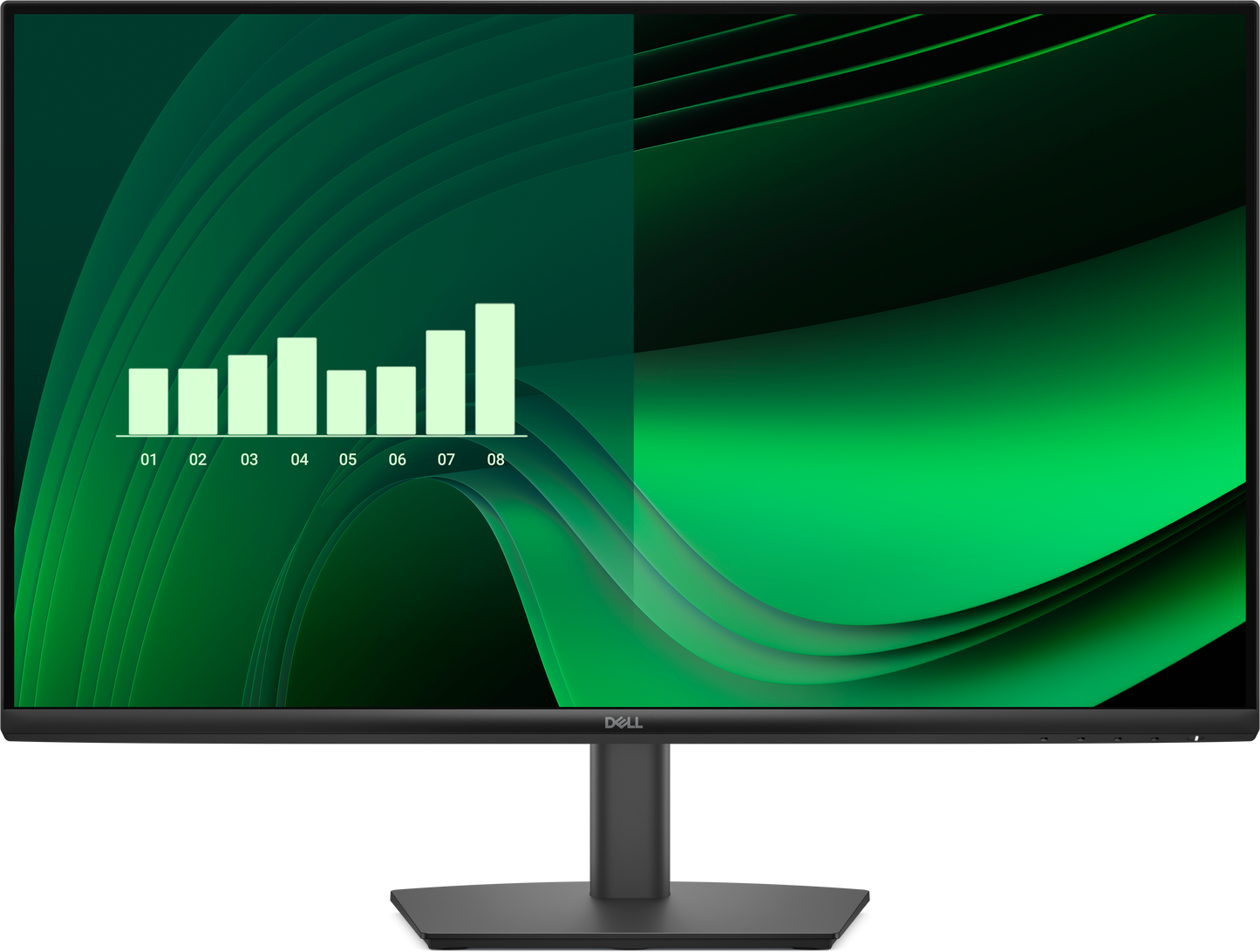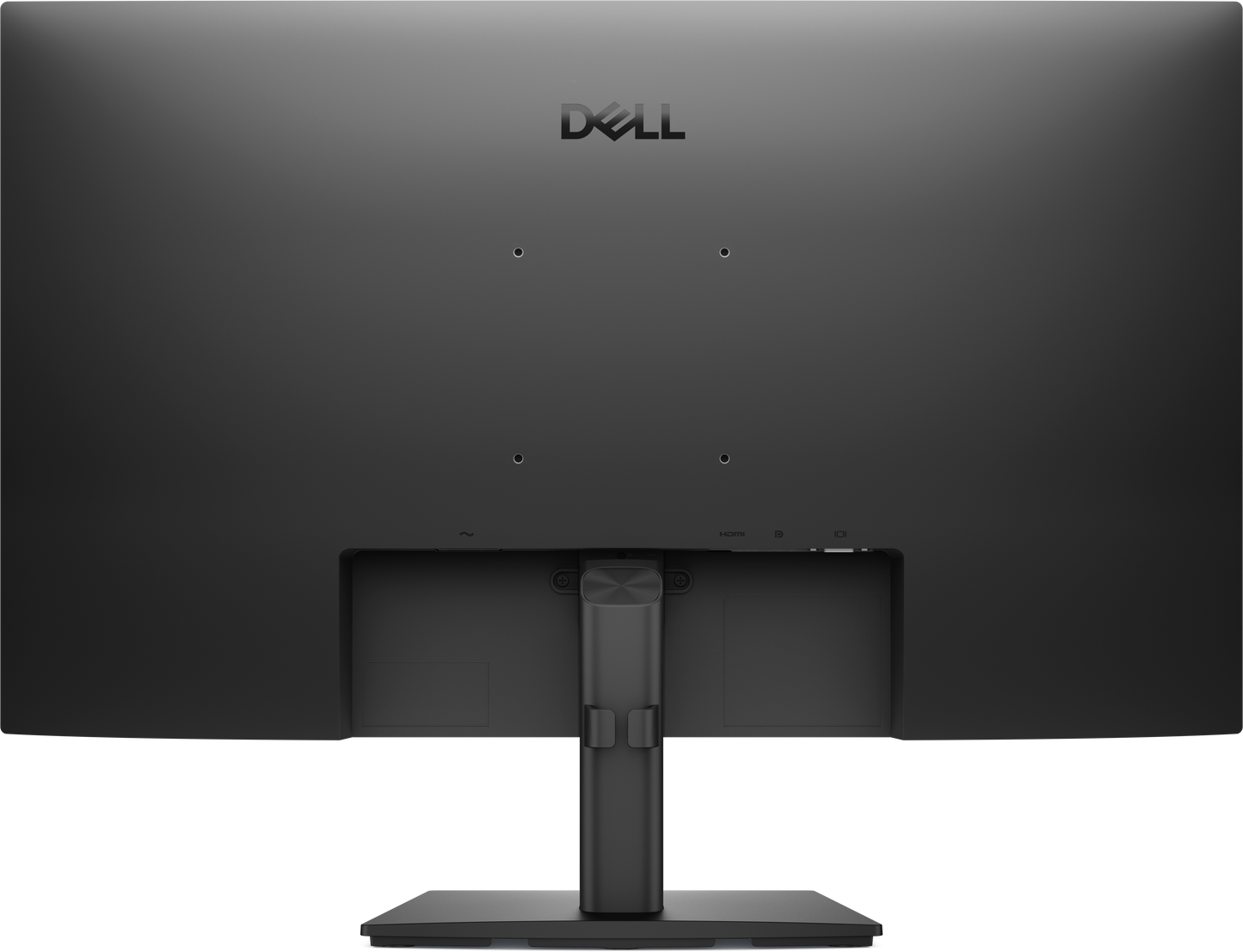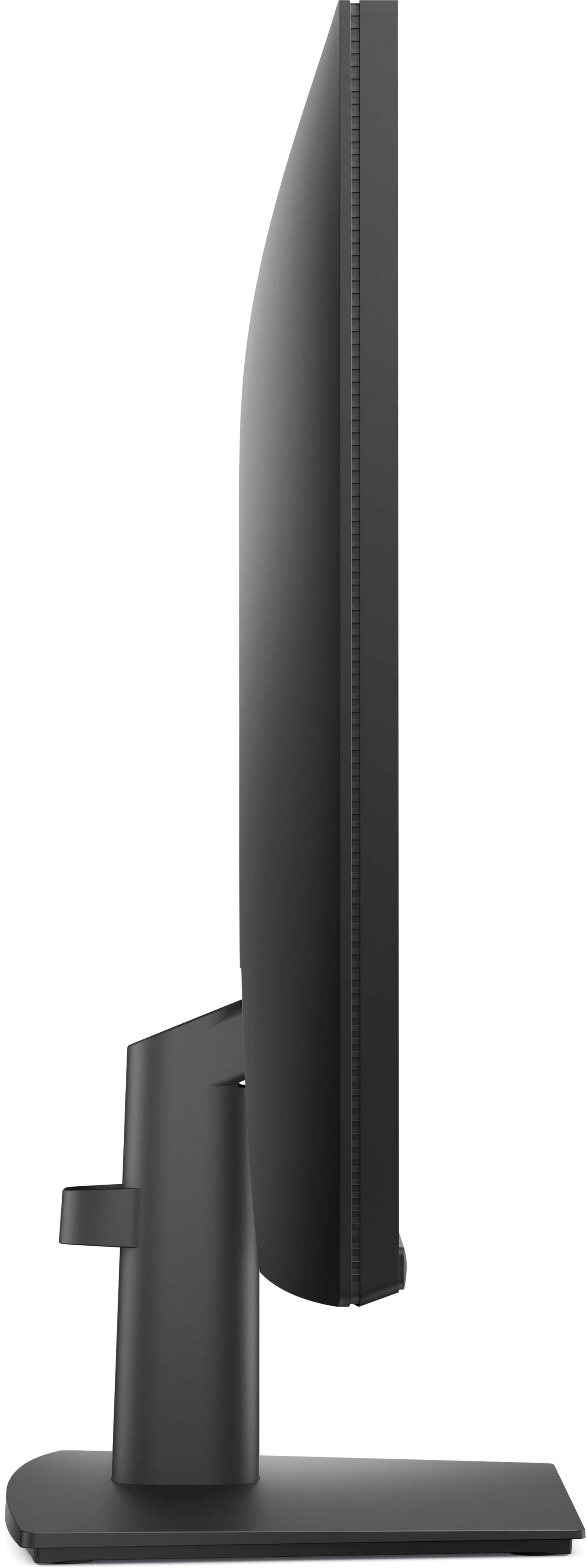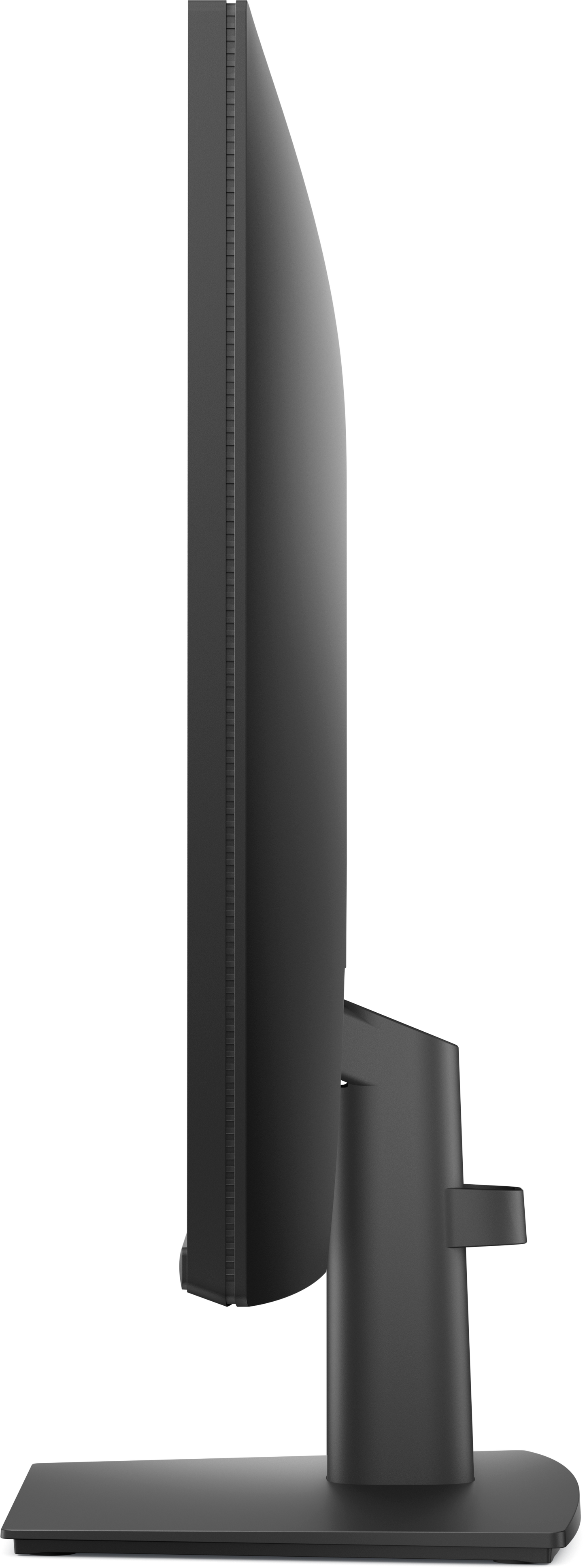


Dell Pro E2725HM HMDI VGA DP FHD 27 Monitor
Dell Pro E2725HM HMDI VGA DP FHD 27 Monitor
Regular price
₱11,500.00 PHP
Regular price
Sale price
₱11,500.00 PHP
Shipping calculated at checkout.
Quantity
Dell Brand - Delivery lead time Luzon 3-5 working days, VIS/MIN 5-7 working days, Island Plus 2 days. Availability of stock is subject to change without prior notice.
Couldn't load pickup availability
High Refresh Rate
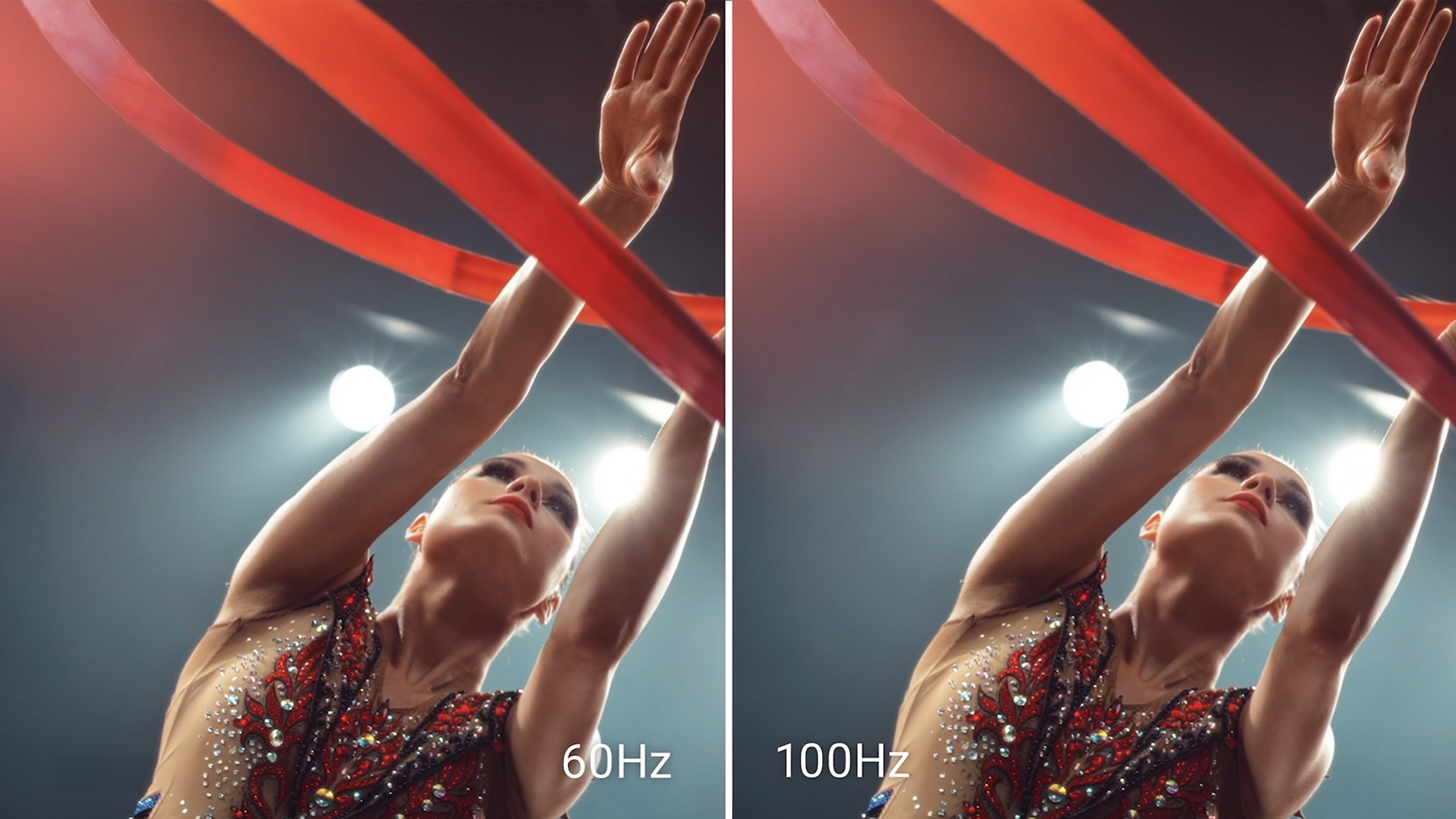
High refresh rate
A high 100Hz refresh rate delivers less flicker, more seamless scrolling and smoother motion.

Minimize harmful blue light exposure without sacrificing color accuracy. See the altered color quality with software-enabled low blue light technology and Dell's built-in ComfortView Plus.
ComfortView Plus
Minimize harmful blue light exposure without sacrificing color accuracy with Dell’s always-on, built-in ComfortView Plus.
See the difference when ComfortView Plus helps dial back the yellow hues to ensure better color fidelity, compared to the results of software-enabled low blue light technology[2].
See the difference when ComfortView Plus helps dial back the yellow hues to ensure better color fidelity, compared to the results of software-enabled low blue light technology[2].
Dependable from every angle

Wide viewing angle
With In-Plane Switching (IPS) technology, you get consistent views across a wide 178°/178° viewing angle.
Ultra-thin bezel design
See more with less distractions.
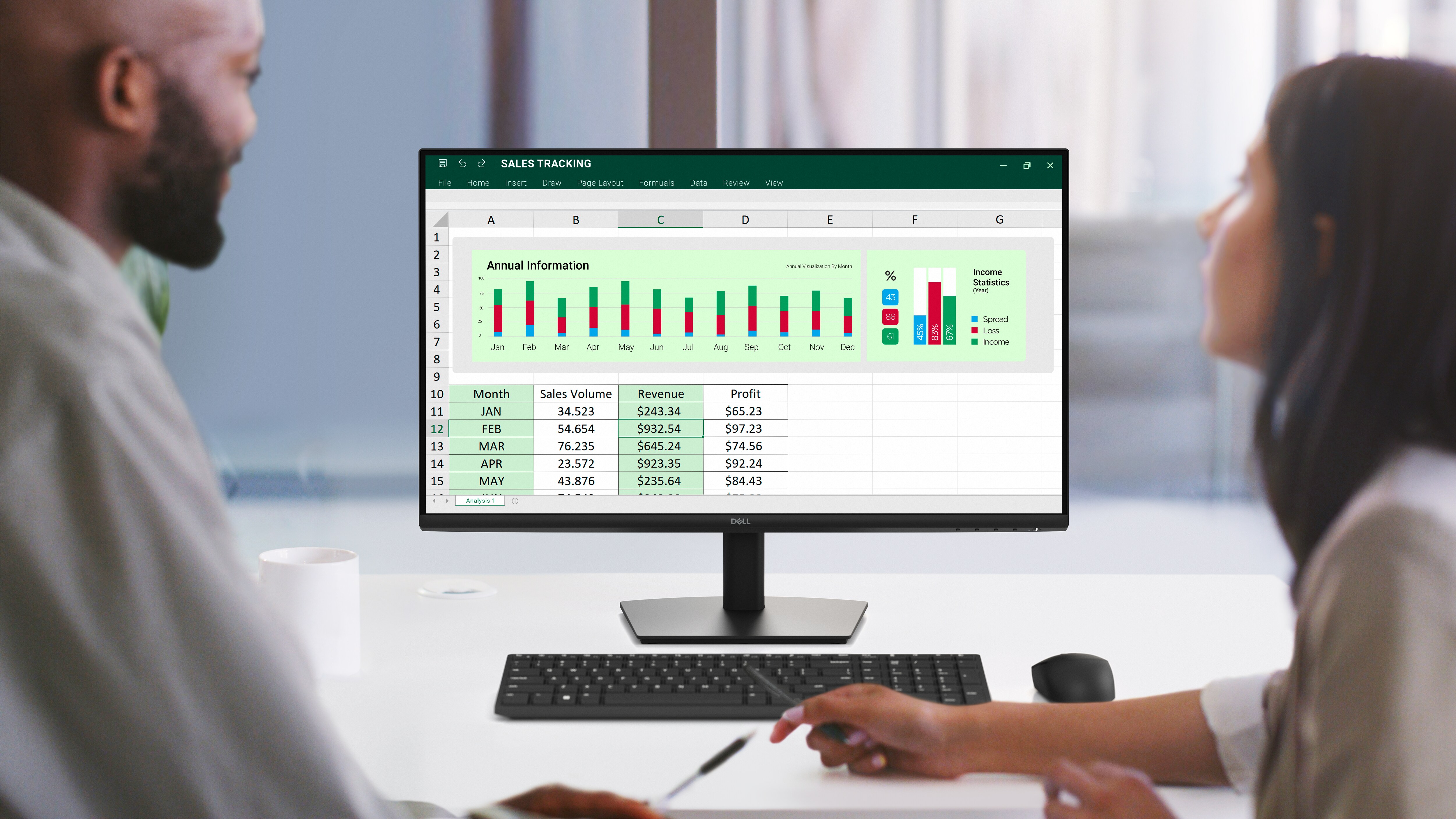
Functional, space-saving design
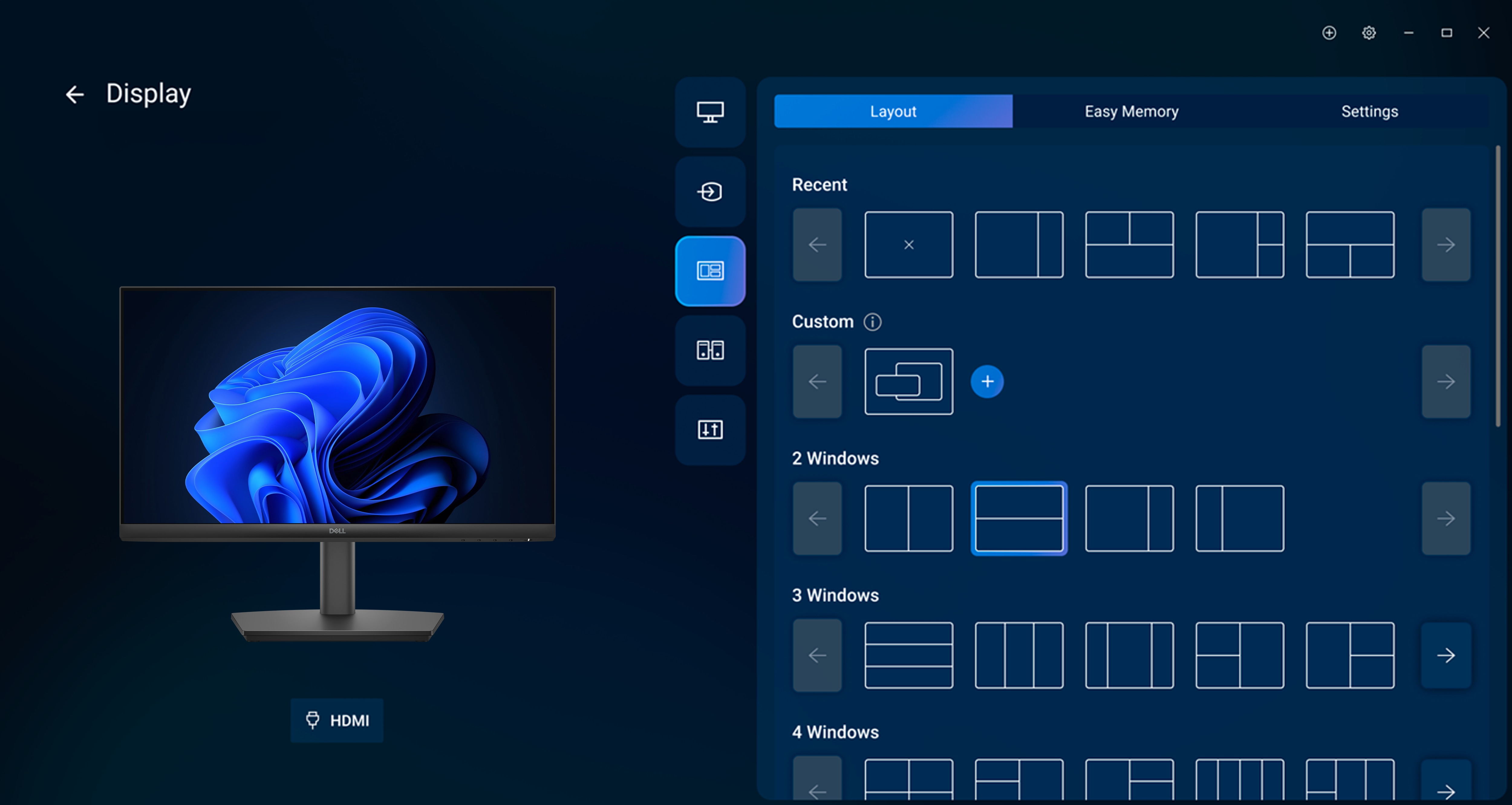
Dell Display and Peripheral Manager
Experience Dell’s singular, innovative application to optimize the performance of your entire Dell PC workspace[3].
Maximize productivity
Easy Arrange tiles apps across screens with pre-set partitions and customizes up to five windows, enhancing multitasking. Easy Arrange Memory saves and restores app profiles manually, on schedule, or at start-up.
Customize your views
Work comfortably, day or night. Automate your brightness and contrast settings to match your schedule.
More manageable
Save time and boost IT efficiency with the Dell Device Management Console to manage your Dell peripheral fleet at scale, from a single cloud-based console. Discover expanded Command Line Interface features from Dell Display and Peripheral Manager[4].
Learn more about Dell Display and Peripheral Manager
Disclaimer: Screen image simulated for illustrative purposes only. Monitor model may vary.
Easy Arrange tiles apps across screens with pre-set partitions and customizes up to five windows, enhancing multitasking. Easy Arrange Memory saves and restores app profiles manually, on schedule, or at start-up.
Customize your views
Work comfortably, day or night. Automate your brightness and contrast settings to match your schedule.
More manageable
Save time and boost IT efficiency with the Dell Device Management Console to manage your Dell peripheral fleet at scale, from a single cloud-based console. Discover expanded Command Line Interface features from Dell Display and Peripheral Manager[4].
Learn more about Dell Display and Peripheral Manager
Disclaimer: Screen image simulated for illustrative purposes only. Monitor model may vary.